SheetMagic – Delify Exclusive Lifetime Deal
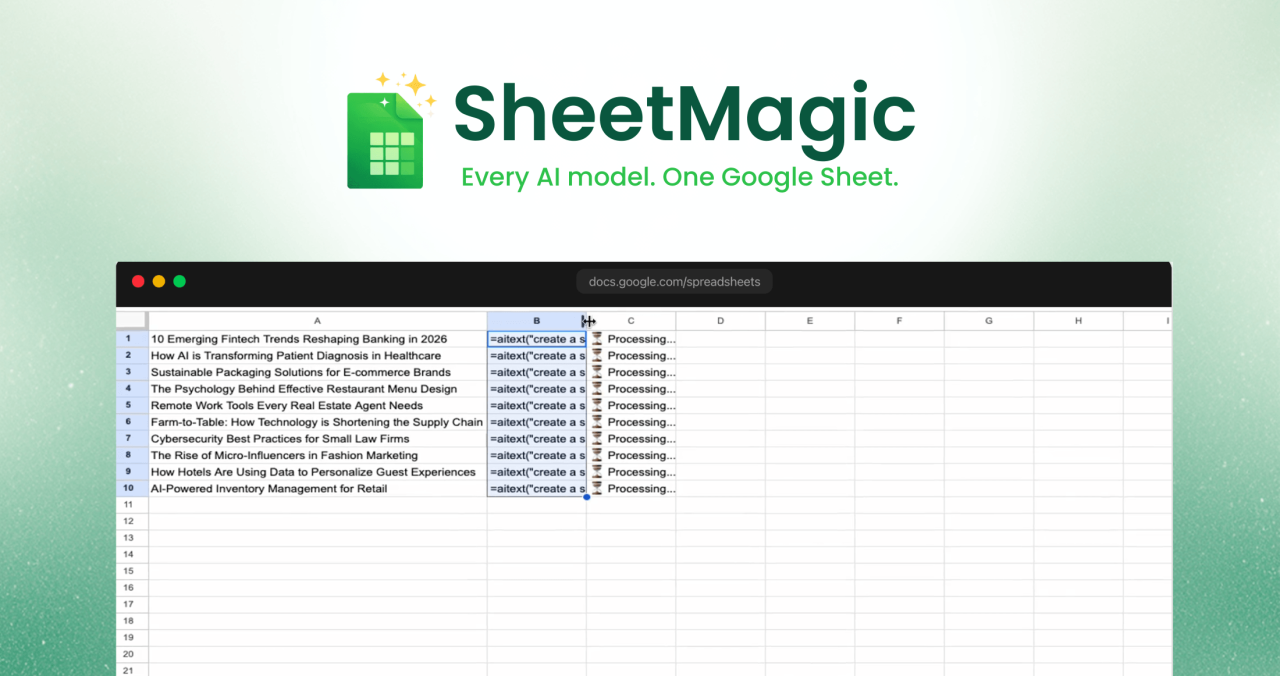

Because most AI tools force you to jump between tabs, platforms, and subscriptions just to complete a workflow.
With Sheetmagic, you can:
SheetMagic helps you get more done in less time with less friction.
1. Create an account and redeem your code.
First you need to create an account with Sheetmagic.ai and redeem your DLIFE code.
Once this is complete, you will be converted from a free license to a Sheetmagic license (identified as a “Lifetime Deal” from Dealify).
From there, you'll install the extension and proceed.
2.Install Extension
Add SheetMagic from Google Workspace Marketplace in seconds.
Please make sure to do “Individual Installation” Unlike “admin install”: https://workspace.google.com/marketplace/app/Sheetmagic_AI_for_Sheets_with_Web_Scrapy/3628668520?flow_type=2
3.Connect your account
Go to Extensions -> SheetMagic -> Start SheetMagic (on cold start).
If you have already “started” the Sheetmagic extension, go to Extensions -> Sheetmagic -> Authorize Sheetmagic
SheetMagic licenses should be automatically detected and verified based on the logged in user.
If you are logged in as a different user (to your Google Account), it will be necessary to manually copy/paste the email associated with your SheetMagic License+ license.
4.Start using sources
use functions like =AITEXT(), =AIIMAGE(), =GPTV(), =VISIT()And =SERP() To produce, analyze, scrape and automate production straight from your cells.
5. Scale with drag-and-fill
Write a formula once, drag it down hundreds or thousands of rows, and let SheetMagic do the heavy lifting.
Create product descriptions, emails, ad copy, research notes, outlines, and more with simple formulas. Link cells for dynamic, row-by-row output, and process large batches without manual repetition.
Create product visuals, social graphics, and branded assets from text prompts right inside Google Sheets. Generate at scale and refine results with multi-turn prompt workflows.
Convert images to usable spreadsheet data. Extract text, identify products, classify visual content, and analyze screenshots or receipts without touching any other tools.
Generate natural sounding voiceovers and create marketing videos with simple prompts. Perfect for content teams, ecommerce brands, and large-scale campaign production.
Pull page content, metadata, titles, paragraphs and images from websites with sources. Monitor competitor pages, collect product information, and create live datasets without code.
Get search result titles, URLs, and snippets straight into Sheets. Track keywords, keep an eye on competitors, and speed up SEO workflows that would normally take hours or days.
Use OpenAI, Cloud, Gemini, OpenRouter, Straico and other models. Choose the right model for the job rather than being locked into one ecosystem.
No script. No complicated setup. If you can write a basic spreadsheet formula, you can automate serious AI and data workflows.
Bring your own API keys and pay providers directly. This means more control, more transparency, and no hidden markups upon usage.
Share a subscription across your team and let everyone work from the same familiar spreadsheet environment.
Create and translate content in over 100 languages, making Sheetmagic useful for global teams, local marketing, and multilingual operations.
Run workflows across hundreds or thousands of rows while SheetMagic handles the heavy lifting in the background.


Just another WordPress site



Leave a Reply