enhance video quality
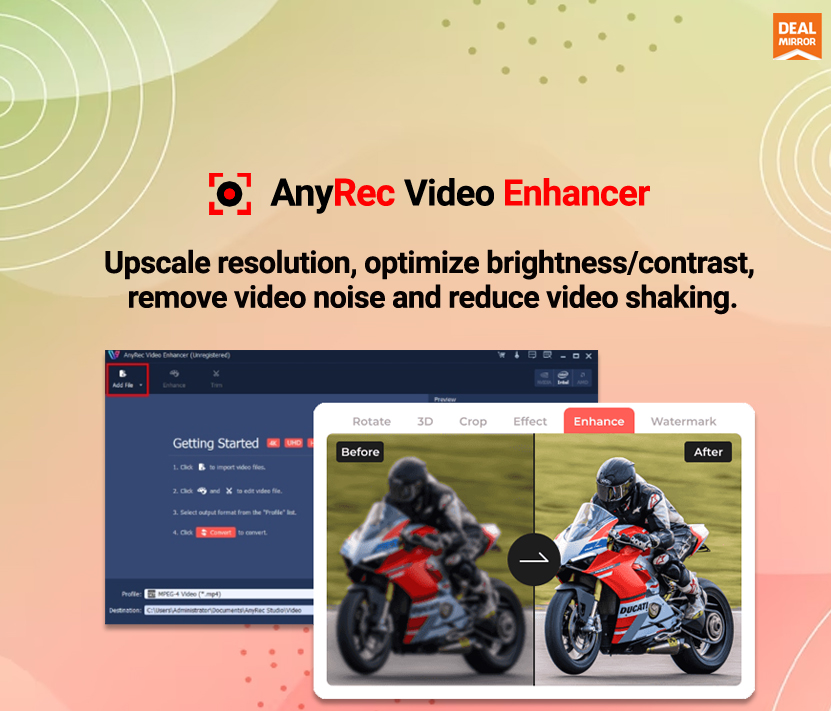
AnyRec Video Enhancer
Meet AnyRec Video Enhancer
AnyRec Video Enhancer is a software tool designed to enhance video quality in various ways.
It uses advanced algorithms to improve the clarity, resolution and color accuracy of video footage.
AnyRec Video Enhancer can help you convert low quality video to high quality video in many aspects.
You can watch poor quality videos in less time. If you want to go deeper into video enhancing and editing, you can head over to AnyRec Video Converter and have a free try.
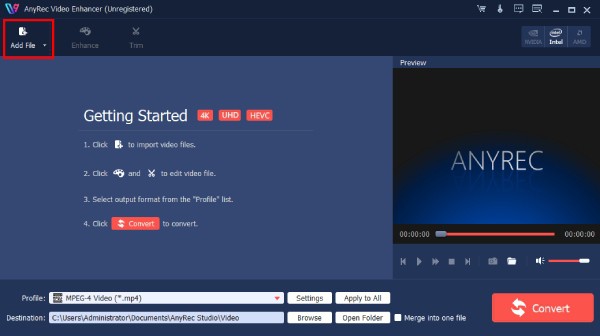
step 1 :- Download, install and run AnyRec Video Enhancer for free. Click on the Add File button on the top left corner. Browse and upload your video.
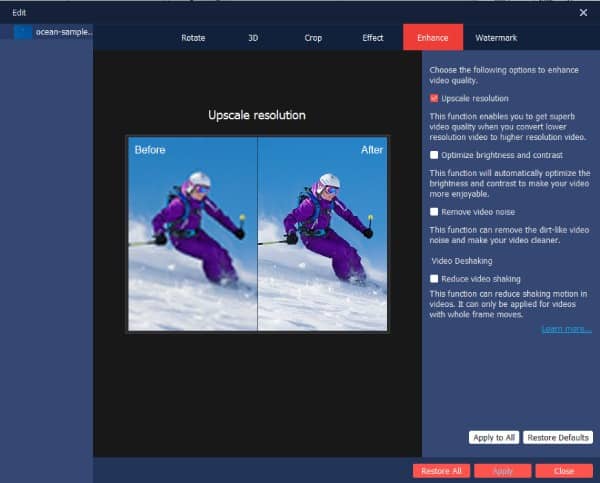
step 2 :- Click on the Enhance button. In the Video Enhance window, you can check the checkboxes before Upscale resolution, Optimize brightness and contrast, Remove video noise, and Reduce video shaking. Click on the Apply button to confirm and enhance the video quality.
step 3 :- You can use other tools to trim, merge, rotate, crop, add a watermark, and apply other effects. After all the customization, click on the Convert button to get the better quality video.
AnyRec Video Enhancer also includes features for improving the color accuracy of videos.
It can automatically adjust the video’s color balance and saturation, resulting in more vibrant and natural-looking colors.
In addition to these features, AnyRec Video Enhancer also includes tools to remove noise and artifacts from video footage.
This can be especially useful when working with old or low-quality videos that may have visible defects.
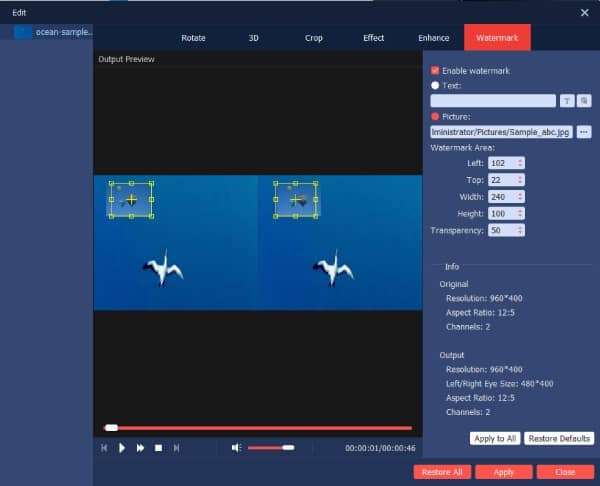
With its easy-to-use interface, users can quickly enhance their videos without any technical skills.
One of the key features of AnyRec Video Enhancer is its ability to upscale videos to high resolution.
This means users can take a low quality video and have it appear sharp and clear.
The software achieves this by using machine learning algorithms that can identify and fill in missing details in footage.
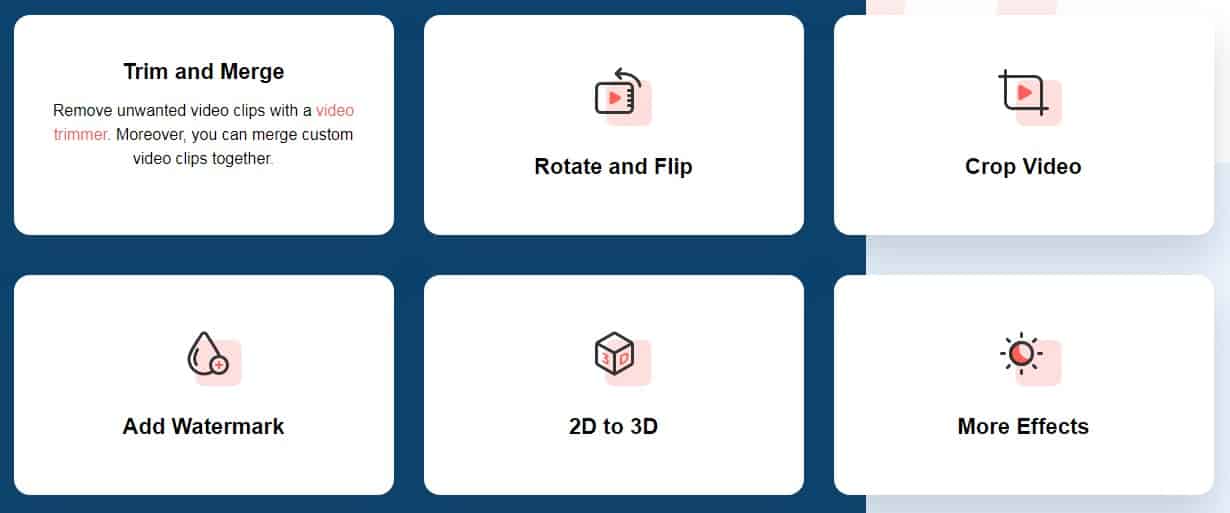
trim and merge
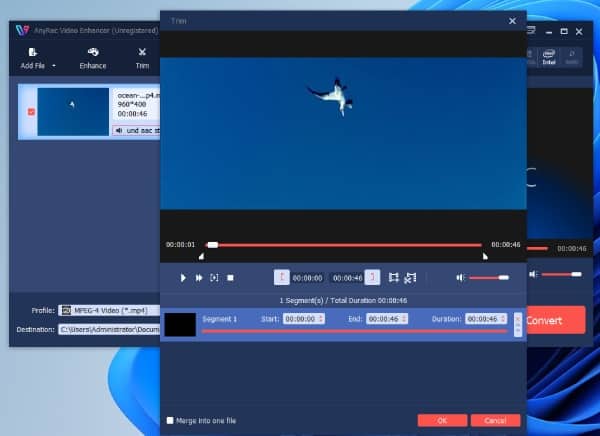
Remove unwanted video clips with Video Trimmer. Also, you can merge custom video clips together.
rotate and flip
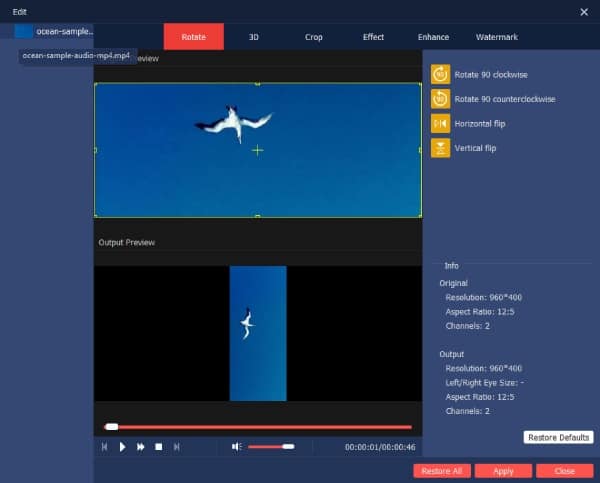
You can rotate the video by 90 degree, 180 degree or 270 degree. Also, you can clip a video horizontally or vertically.
crop video
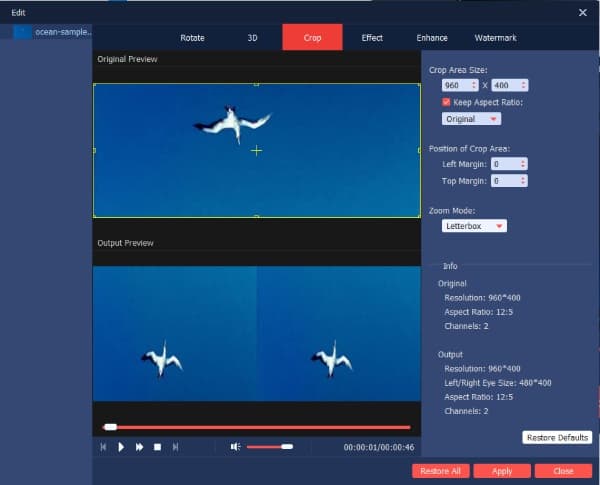
By cropping a video, you can remove the black edges, reduce the video file size, and successfully adapt the video to any screen.
Add watermark
You can add watermark, logo, branding and more to your videos. The program also allows users to customize the position and size.
2D to 3D
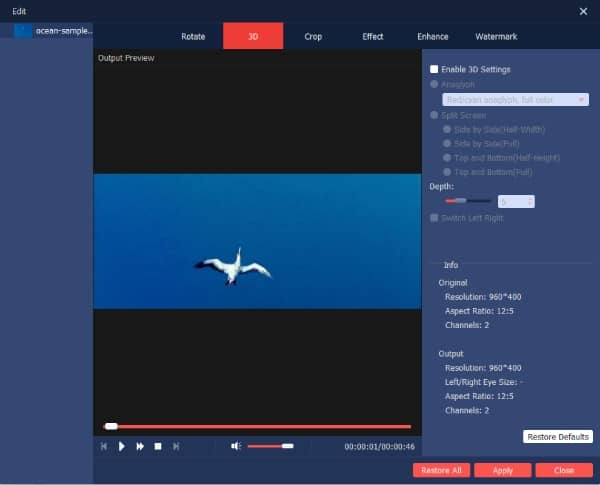
Here you can add 3D effect to any video with full 3D experience through a pair of 3D glasses. There are also several 2D to 3D settings for you to choose from.
more impact
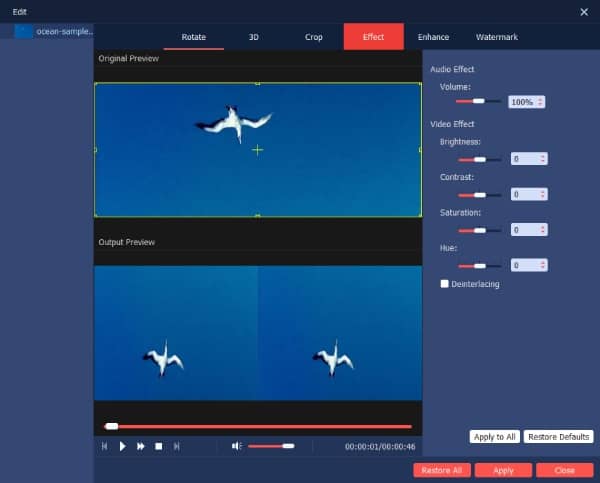
You can apply other filters and effects to make nice video. For starters, beginner-friendly video enhancement tools are good to use.
Overall, AnyRec Video Enhancer is a powerful and easy-to-use tool for enhancing the quality of video footage.
It can help users create more professional looking videos, and it is compatible with a wide range of video formats.
advanced resolution
You can upscale video resolution in one click, including 720p to 1080p, 1080p to 4K, etc. The whole video upscaling process is easy. You can enhance the quality of any video from any era by yourself.
Better brightness and contrast
If you want to lighten up the video quality, you can use AnyRec Video Enhancer. Here you can change the brightness, contrast and other effects of the video for better viewing. Plus, it’s a great way to fix blurry videos.
remove video noise
Don’t forget to use the noise reduction tool to make your videos look more professional. Here you can not only remove spots such as on-screen dirt, but also other background noises, such as car sounds, chatting, wind whistling, etc.
reduce video shake
Stabilizing shaky video footage is easy. AnyRec Video Enhancer offers an advanced Anti-Shaky technology. You can reduce camera shake and fine-tune unwanted blurring. So you can get a smooth and clear video.
Just another WordPress site

Leave a Reply