Why ImageConvertIt?
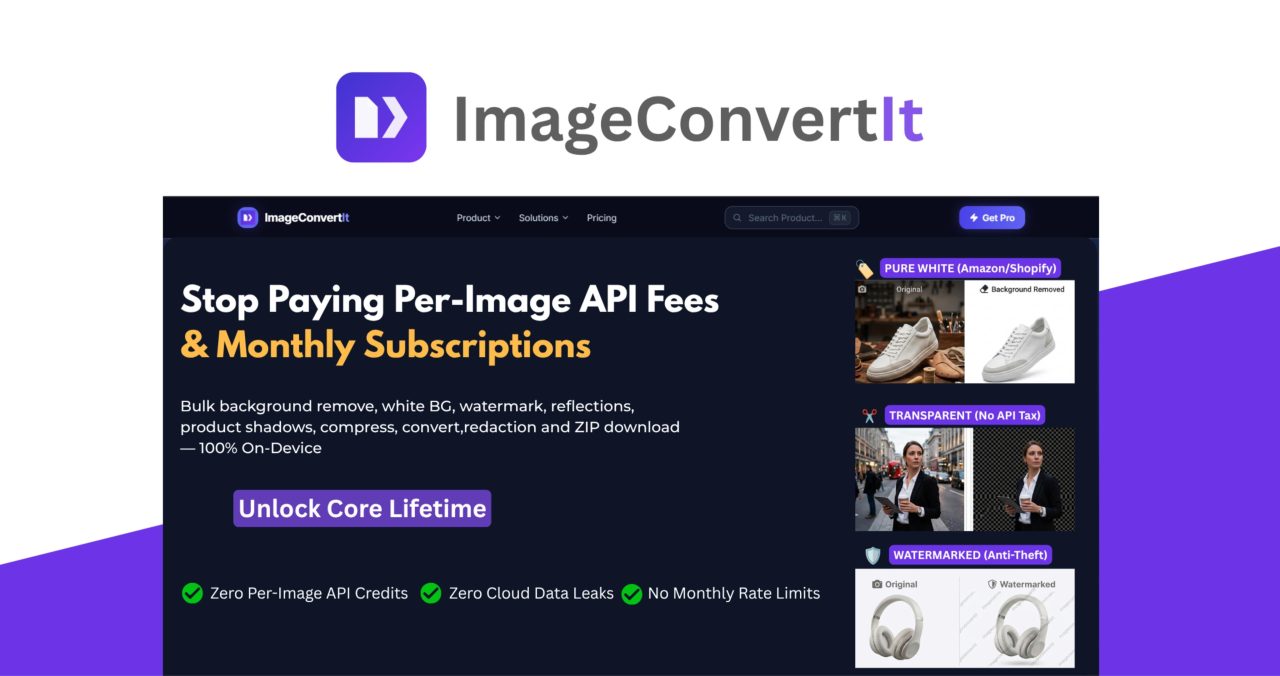
ImageConvertIt combines hundreds of professional image, document, e-commerce, privacy, and compliance tools into one local-first platform, giving high-volume users a way to replace expensive recurring subscriptions and per-image services with a single powerful toolkit.
-
Unlimited monthly workflows: Process as many batches as you need with the core on-device tools, without monthly rate limits.
-
No per-image API fees: Bulk background removal, image conversion, compression, and other core workflows don’t come with a recurring per-image charge.
-
50-file local batches: Process up to 50 files at once while running unlimited batches throughout the month.
-
Local-first privacy processing: Core tools run directly on your hardware, so files don’t need to be uploaded to the cloud.
-
Three production pillars in one ecosystem: Handle image processing, e-commerce workflows, format & conversion, legal & privacy protection, and compliance tasks without switching between multiple applications.
- Deep B2B Workflows: We solve highly specific professional problems like Bates Numbering, PDF Redaction, Evidence Exhibit Pages, Al Vectorization (PNG to SVG), KDP Bleed Checking, and Bulk Barcode & QR Code generation and auto apply to product page that generic editors ignore.
-
Built for high-volume workflows: Whether you’re processing 1,200 product images or converting 10,000+ files, ImageConvertIt is designed around repeated local batch processing.
-
One-time payment: The core offline suite is available through a lifetime purchase rather than an ongoing subscription.
-
Faster processing: Avoid cloud upload queues and waiting for files to travel between your computer and a remote server.
-
Privacy-focused: Keep client assets, product photography, documents, and other sensitive files on your own hardware.
-
Multiple ways to use it: Access ImageConvertIt through the web app, native Windows app, and approved Chrome, Edge, and Firefox extensions.
-
LTD-safe architecture: Because the core tools run on-device, the platform doesn’t depend on expensive cloud compute for its core workflows.

How It Works
Choose your workflow: Pick the tool you need, whether you’re removing backgrounds, adding watermark, compressing images, converting formats, processing PDFs, adding Bates numbers, or removing sensitive metadata.
Add your files: Select the images or documents you want to process from your device.
Create a local batch: Add up to 50 files to a batch and configure the workflow according to your requirements.
Process on your device: ImageConvertIt handles core processing locally, eliminating cloud upload queues and keeping your files on your hardware.
Review the results: Check your processed files and make sure everything meets your requirements.
Export your files: Download individual results or export the entire completed batch as a single ZIP archive.
Run another batch: Continue processing as many batches as required without monthly processing limits on the core offline tools.
Key Features That Turn Hundreds of Image and Document Tasks Into One Workflow

-
E-Commerce & Creators
- Bulk background removal for high-volume product catalogs
- Pure white RGB 255,255,255 backgrounds for Amazon and Shopify product photography
- Bulk Catalog Watermarking
- Bulk Background Colour Changer
- Add Text to Product Photos
- Adjust Product Photos In Bulk
- Align Product Photos In Bulk
- Add Logo to Product Photos In Bulk
- Add Reflections to Product Photos In Bulk
- Add Shadow to Product Photos
- Barcode & QR Code Generator
- Book Cover Bleed Checker
-
High-Volume Image Processing
- Instant batch image compression
- Reduce large files, such as 12MB images to approximately 450KB
- Bulk image resizing
- Bulk image cropping
- Bulk image upscaling up to 4K
- Bulk format conversion
- Bulk Al Vectorize – PNG to SVG
- Local 50-file batch processing
- Unlimited total monthly execution runs
- Bulk ZIP export for completed files
-
Document & PDF Suite
- Bulk image-to-PDF conversion
- Bulk PDF-to-image conversion
- Offline Bates numbering in bulk
- PDF & image redaction
- Bulk legal evidence exhibit pages from photos
- Bulk document processing
- Local workflows for legal discovery and compliance use cases
-
Privacy & Compliance
- EXIF metadata reader
- EXIF metadata wiper
- GPS location metadata wiper
- Bulk face blurring
- License plate redaction
- Local processing for sensitive images and documents
-
Local-First Architecture
- Every on-device workflow included: full offline suite unlocked – catalog ops, format, PDF and privacy tools
- RAM-safe local batching engine
- 50-file local processing queues
- Unlimited monthly execution runs
- Zero API fees for core workflows
- No cloud upload requirement for core processing
- Download completed batches as ZIP archives


Who’s ImageConvertIt Best For?
-
E-commerce sellers: Process large product catalogs with bulk background removal, pure white or transparent backgrounds, compression, resizing, format conversion, watermarking, and barcode or QR code generation.
-
KDP publishers: Prepare book covers, check bleed requirements, optimize publishing assets, and process large numbers of images without paying per-file fees.
-
Freelance web designers: Compress, resize, crop, and convert client images in bulk while avoiding separate subscriptions for every image-processing task.
-
Independent photographers: Process large batches of images, optimize files for delivery, remove metadata, and protect client privacy before sharing finished assets.
-
Digital marketing agencies: Handle high-volume campaign and client assets without recurring per-image API charges or cloud processing limits.
-
SEO professionals: Compress large image libraries, convert files to modern formats such as WebP and AVIF, resize assets, and prepare images for faster websites.
-
Content studios: Manage large volumes of visual assets through repeatable local batch workflows while keeping files on local hardware.
-
Legal and compliance teams: Process documents with offline Bates numbering, automated redaction logs, metadata removal, and privacy-focused image tools.
-
Freelancers and solopreneurs: Replace several individual image and document subscriptions with one comprehensive toolkit for everyday client and business workflows.
-
High-volume businesses: Anyone regularly processing hundreds or thousands of images can benefit from unlimited local workflows without recurring per-image costs.


Leave a Reply